Sign
Printable Guest Wi-Fi Signs
Make polished signs for homes, offices, cafes, guest rooms, and rentals in 4 x 6, 5 x 7, A4, and US Letter layouts.
Create guest Wi-Fi QR codes and printable signs for homes, cafes, offices, guest rooms, and rentals. Scan router labels, save networks locally, and share fast.

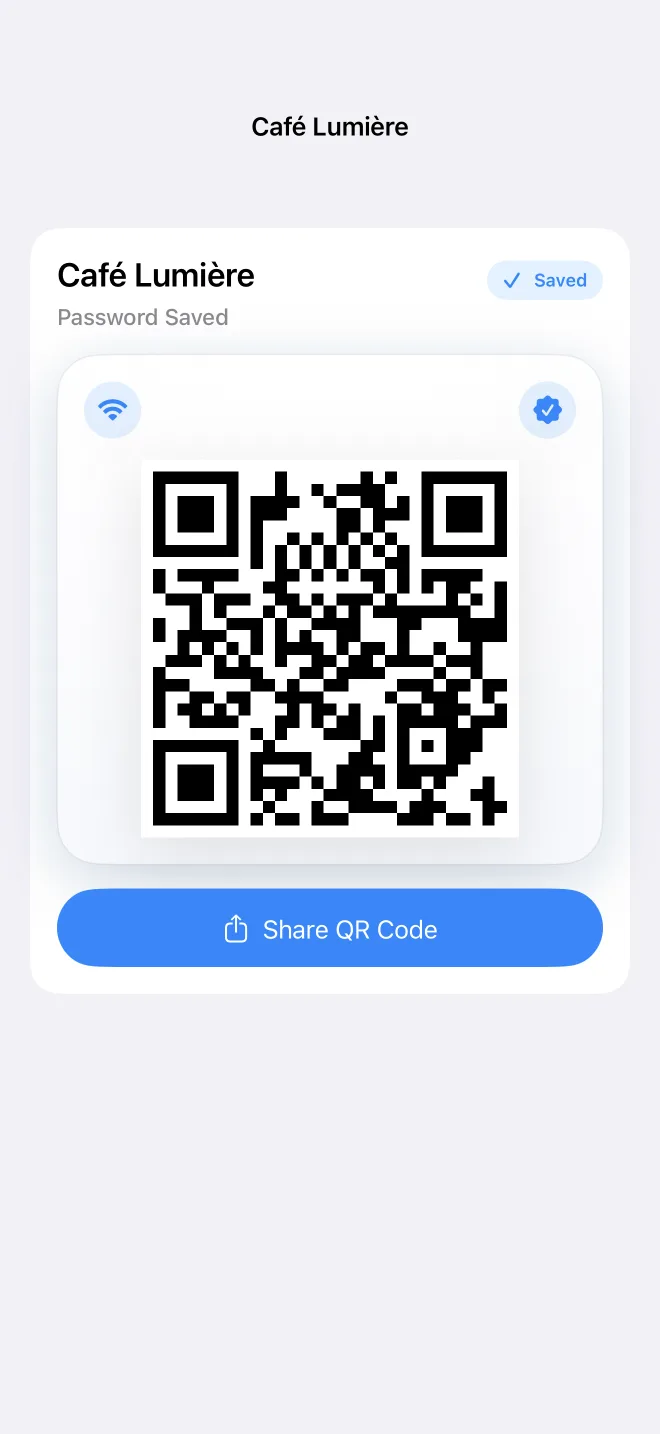
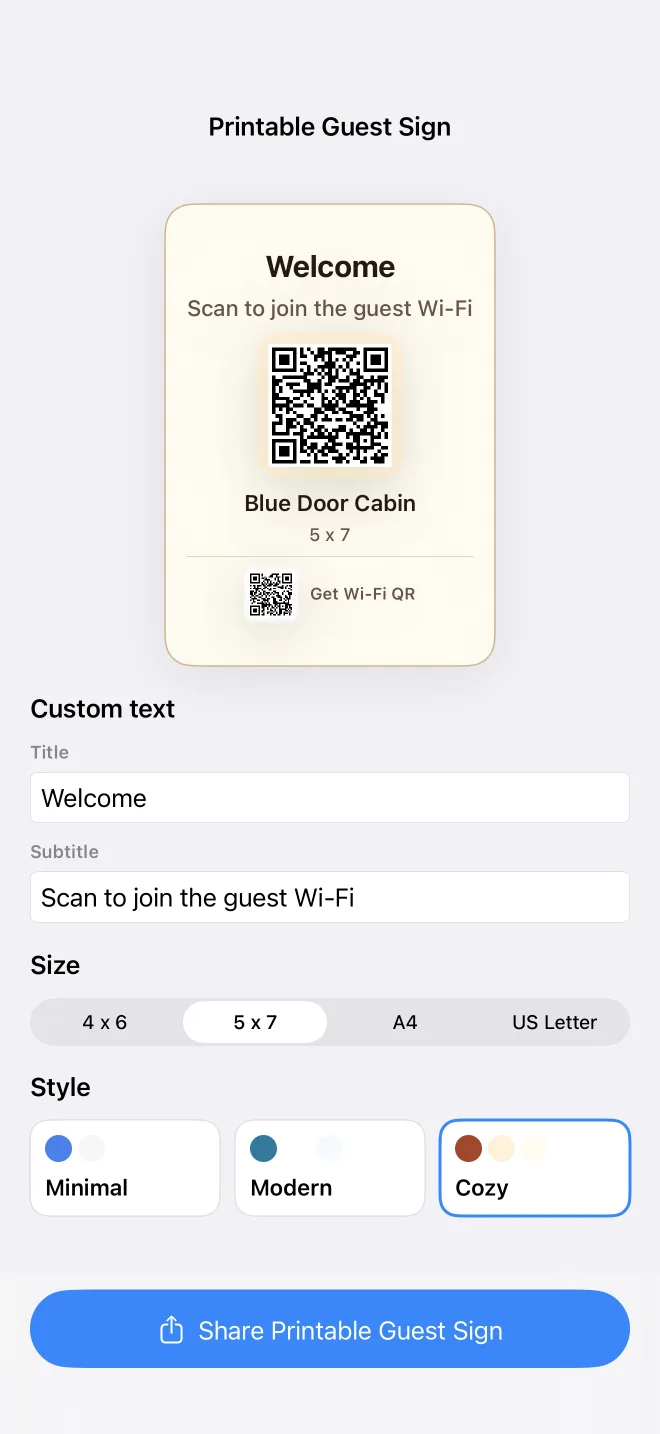
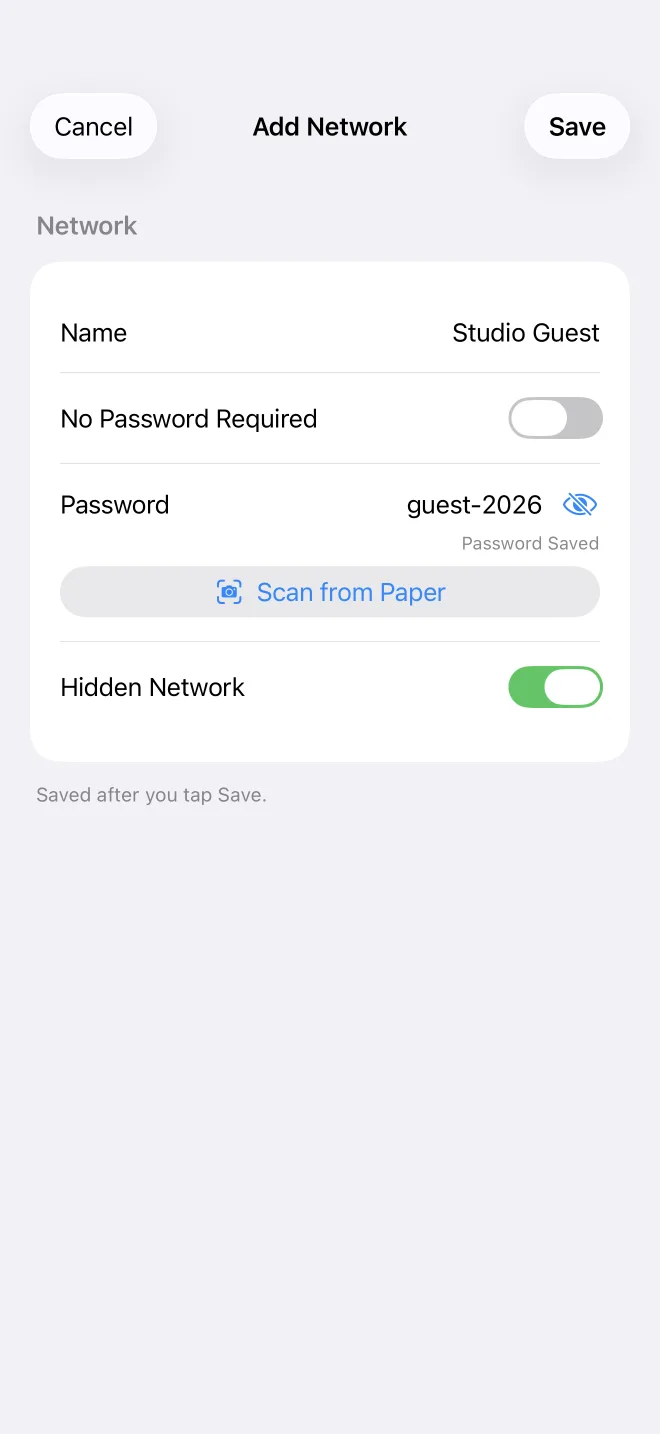
Wi-Fi QR keeps the flow focused: add a network, generate a guest QR code, print a sign, and let visitors scan from Camera.
Make polished signs for homes, offices, cafes, guest rooms, and rentals in 4 x 6, 5 x 7, A4, and US Letter layouts.
Create scannable Wi-Fi QR codes for WPA/WPA2/WPA3, WEP, open, and hidden networks with the standard iOS QR format.
Use the camera to read printed router-label or password-card text, then review the result before saving or sharing.
Keep guest, home, office, cafe, and rental networks on your device for quick reuse without server sync.
Add a hidden SSID manually, create a no-password guest network QR code, or start from the current network name when iOS allows.
Send a styled QR image, save it for later, or share a printable sign PDF through the iOS share sheet.
Use one private Wi-Fi QR app for the places where people ask for the password again and again.
If you are searching Etsy, Canva, or Pinterest for a WiFi QR code template, Wi-Fi QR gives you the useful part first: a real scannable guest network QR code, plus a printable sign you can place in your rental.
Wi-Fi QR is built as a local utility. There is no account system, no advertising SDK, no analytics SDK, and no server upload.
The app keeps guest QR generation, printable signs, router-label scanning, saved networks, and search predictable for first-time users and repeat hosts.
Customize text, paper size, and style for a guest Wi-Fi sign.
Check network details and share the QR image.
Read printed router-label text and review it before saving.
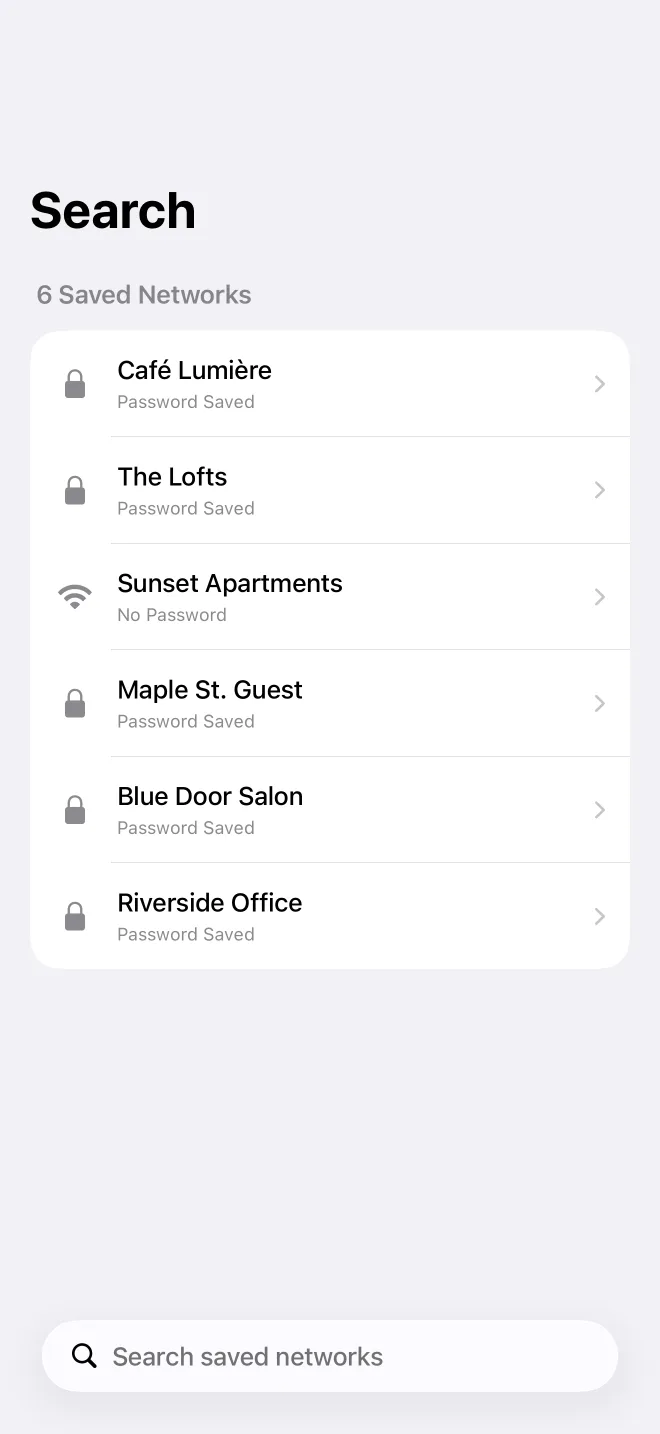
Search saved networks without leaving the main flow.
No. Saved networks stay on your device. The app does not have an account, server sync, ads, analytics, or tracking.
Yes. Create a guest Wi-Fi QR code, customize a printable WiFi password sign, and place it in a rental, guest room, office, cafe, or shared space.
It replaces the template hunt for many hosts: enter or scan the network details once, then export a ready-to-print sign instead of editing a generic Canva or Etsy template.
Yes. Share the printable sign PDF or QR image and include it in a house manual, digital guest guide, check-in instructions, or printed welcome book.
No. iOS does not let the app read saved system Wi-Fi passwords. You enter the password or scan printed text that you can review.
iOS requires location permission before an app can read the current Wi-Fi network name. Wi-Fi QR uses it only for that SSID shortcut.
Yes. Version 1.4 adds printable guest signs with customizable title, subtitle, paper size, and visual style.
Yes. Add the network manually and enable the hidden network option before generating the QR code or sign.