Live rep count
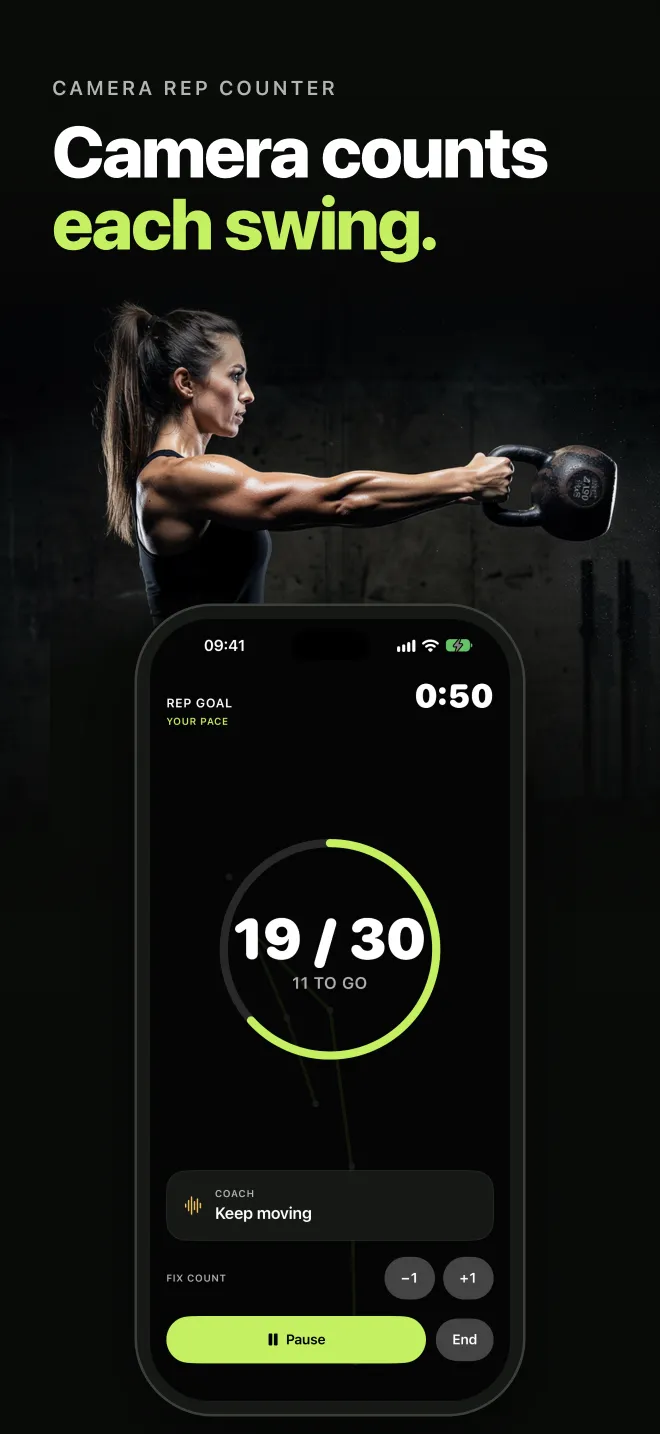
The camera finds your hips, knees, and arms and counts each swing as you train. If the count looks wrong, fix it with one tap.
Set your iPhone down, step back, and swing. The camera counts each Russian swing and checks your form. When a fault repeats, a short spoken cue tells you what to fix.
SwingCoach is made for the Russian kettlebell swing. It counts, it cues, and it shows you what changed.
The camera finds your hips, knees, and arms and counts each swing as you train. If the count looks wrong, fix it with one tap.
When a fault repeats, SwingCoach speaks a short cue:
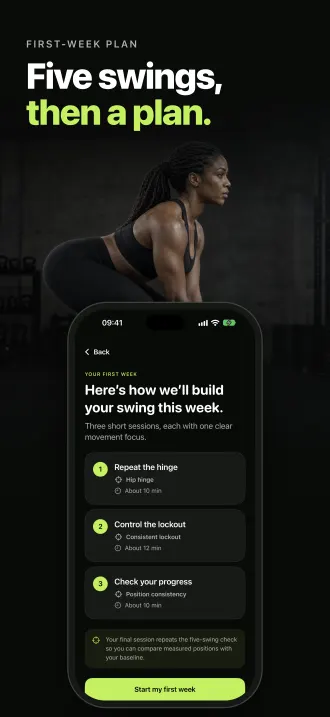
Do five comfortable swings. You get one clear place to focus and a three-session starter plan. The last session repeats the check, so you can compare.
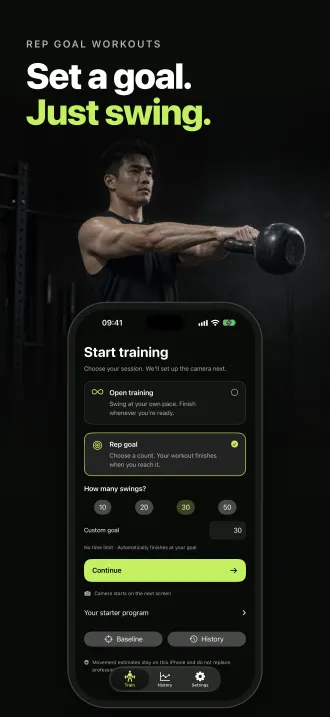
Swing at your own pace in open training, or pick a rep goal of 10, 20, 30, or 50 swings, or your own count. Pause, resume, or end at any time.
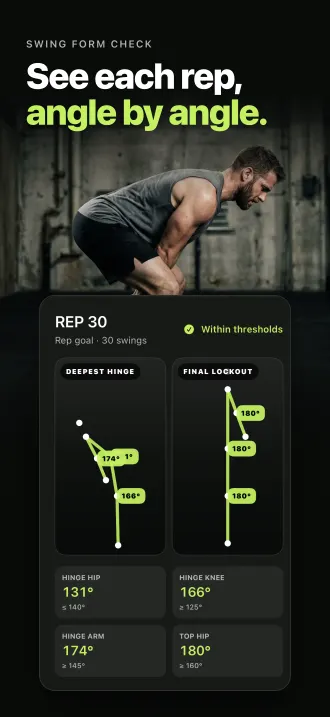
Each rep shows the deepest hinge and the final lockout, with hip, knee, and arm angles. Follow your total swings and form trend in History.
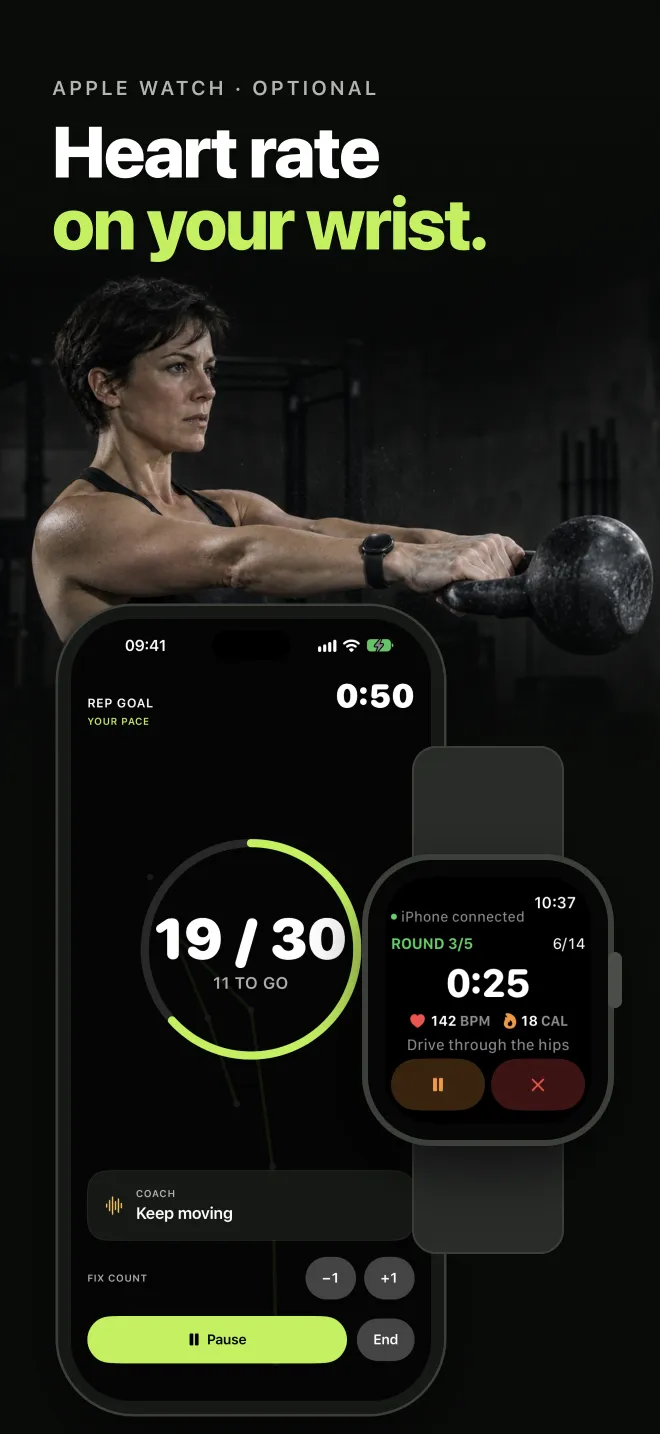
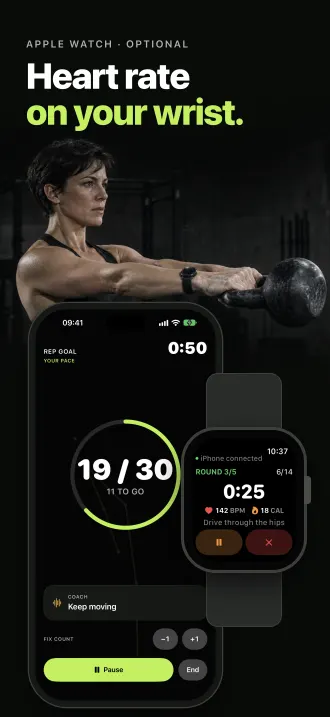
See heart rate and active calories on your wrist. Start, pause, and end from the Watch, and save the workout to Apple Health.
Put your iPhone at hip height, 3–4 m (10–13 ft) away. Stand side-on, with your full body in the frame and good light.
SwingCoach counts each swing and speaks a cue when a fault repeats. Fix the count with +1 or −1 at any time.
Swipe through your latest reps, rate how the session felt, and see your progress in History.
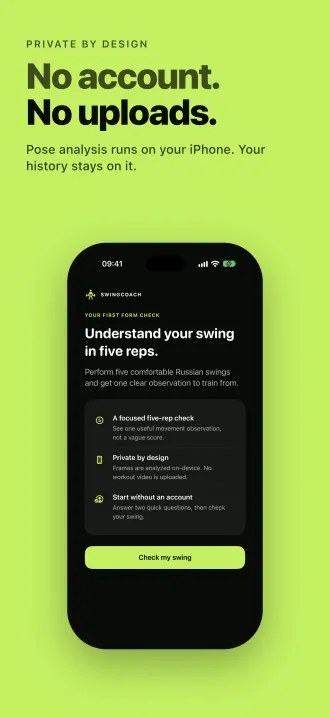
Pose analysis runs on your iPhone with Apple's Vision framework. Your history and rep snapshots stay on your iPhone.
Read the Privacy PolicyMore answers and contact details are on the Support page.
Get your first form check and a starter plan in a few minutes. Free on iPhone.
SwingCoach gives movement estimates from a 2D side view. It is not a medical or injury assessment and does not replace a qualified coach. Train within your ability and clear the space around you before you swing.