Awake for the apps you pick
Add Codex, Ghostty, Xcode, Terminal or any other app. While one of them runs, your Mac does not go to idle sleep.
Nightcap keeps your Mac awake only while the apps you choose are running: Codex, Ghostty, Xcode, Terminal or any other app. When they quit, your Mac sleeps on its normal schedule again.
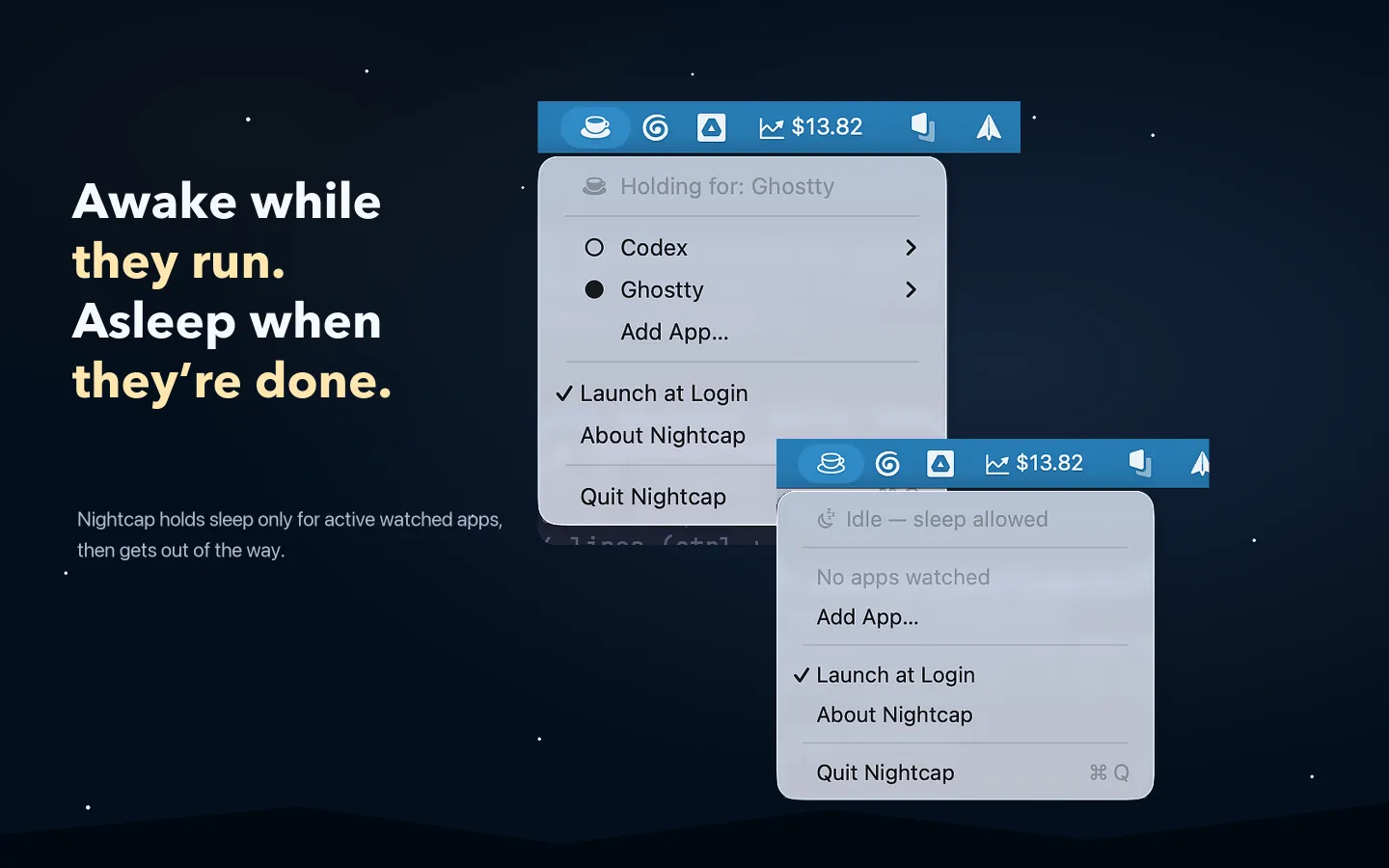
A five-minute sleep timer is fine for email. It is not fine for a long build, an upload or a coding agent. Nightcap keeps the Mac awake for the work, and only for the work.
Add Codex, Ghostty, Xcode, Terminal or any other app. While one of them runs, your Mac does not go to idle sleep.
When the last watched app quits, Nightcap lets go and your Mac sleeps as usual. There is nothing to remember to turn off.
AI coding agents, builds, exports, uploads and command-line sessions keep running while you step away from your desk.
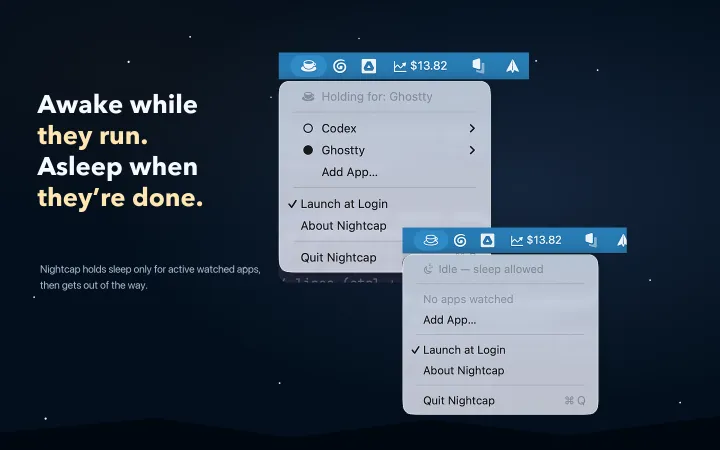
The cup fills while Nightcap keeps your Mac awake. The menu shows how many watched apps are active. There is no Dock icon.
Pause an app to keep it in your list without keeping the Mac awake. Resume it or remove it from the same menu.
Turn on Launch at Login and Nightcap is ready after each restart. After sleep and wake, it checks again which watched apps still run.
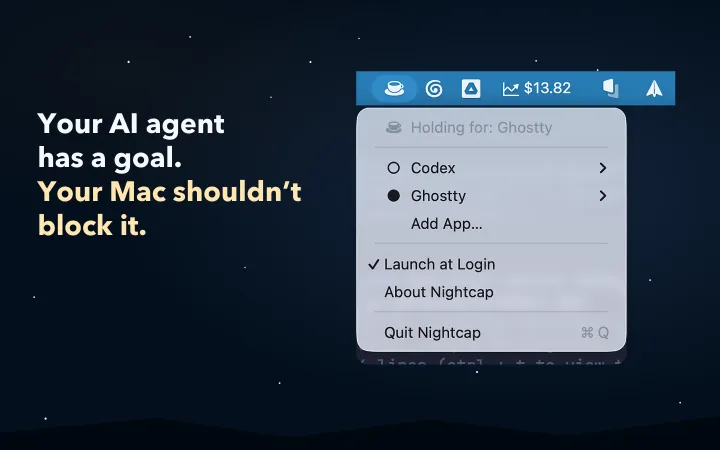
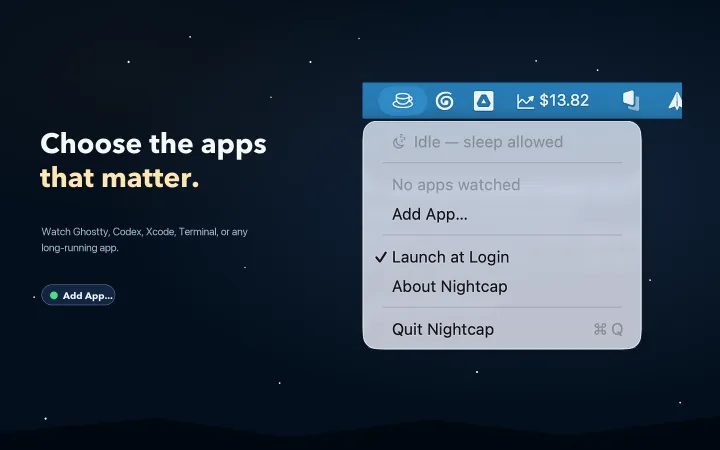
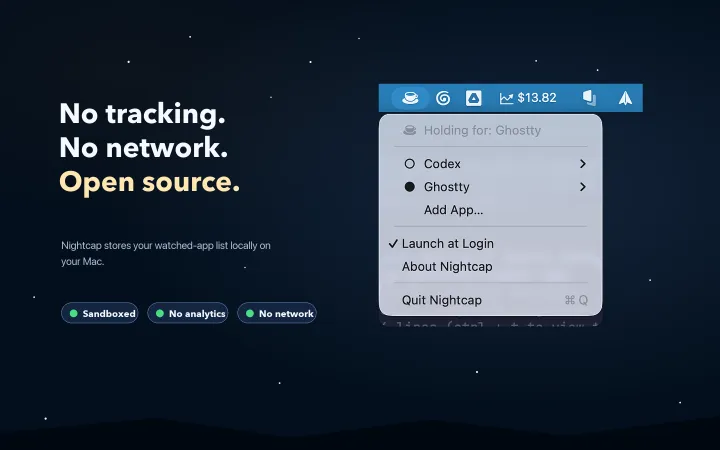
Click the cup in the menu bar, choose Add App…, and pick the app that does the long work.
Open the app and start your build, upload or agent. The cup fills, and your Mac stays awake while the app runs.
When the watched apps quit, Nightcap lets go. Your Mac goes to sleep on the schedule you set in System Settings.
Nightcap has no analytics and no network access. Your list of watched apps is one small file in the app sandbox on your Mac. The code is open source, so you can read it yourself.
caffeinate, you start and stop the hold yourself in Terminal. Nightcap watches the apps you choose and does it for you each time they run.brew install --cask Abdo-codes/tap/nightcap in Terminal.
Get Nightcap Awake free on the Mac App Store. Questions or bugs? Open an issue or email me.