Free · iPhone · iOS 18 or later · Arabic and English
هنا القاهرة
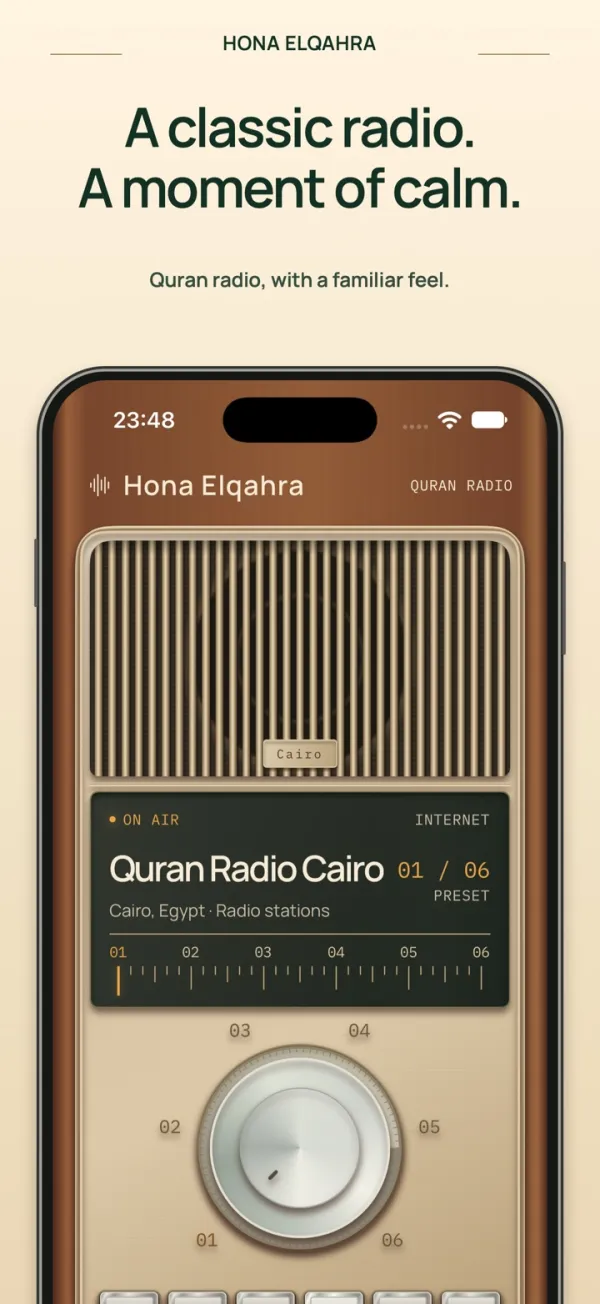
“Hona Elqahra” means “This is Cairo.” They were the first words on Egyptian Radio on 31 May 1934, and Egyptian stations still open with them.
Quran Radio from Cairo has been on air since 25 March 1964. For many homes it is the sound of the morning. That is why it is the first preset on our dial.
The story
We wanted a radio, not a playlist.
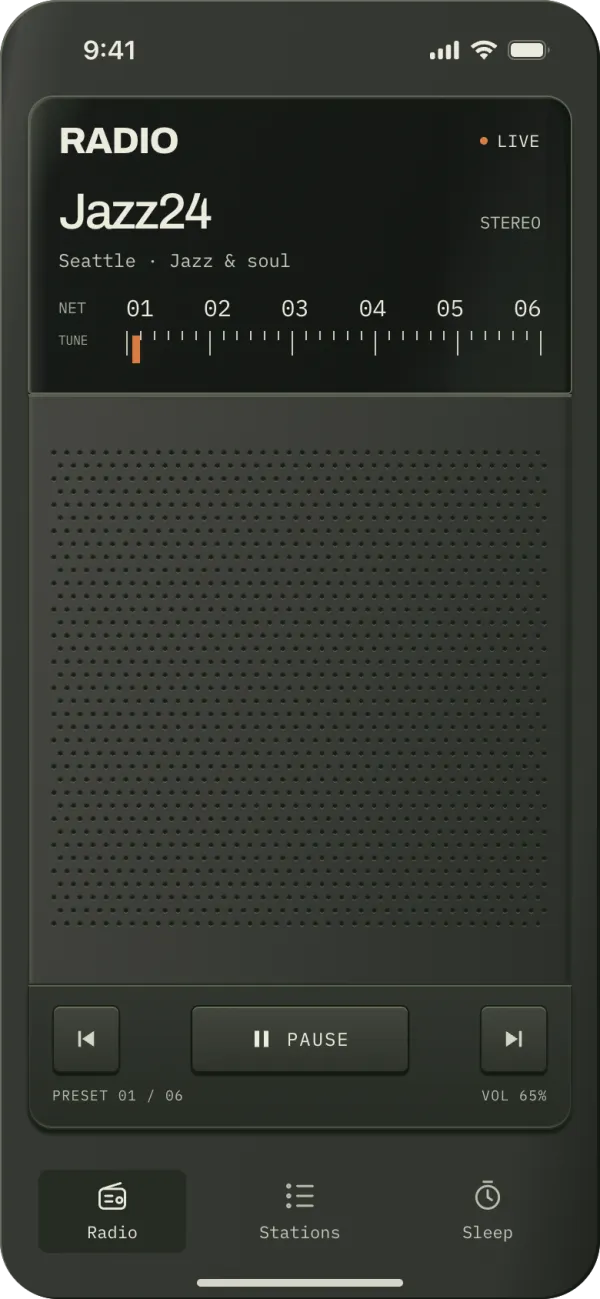
Most radio apps are a list of streams with a play button. We wanted the feeling of a real radio on a shelf: a speaker grille, a lit dial and a knob you turn. These are the designs we made on the way, from our Paper files.
01 · A pocket receiver
It started with a different name.
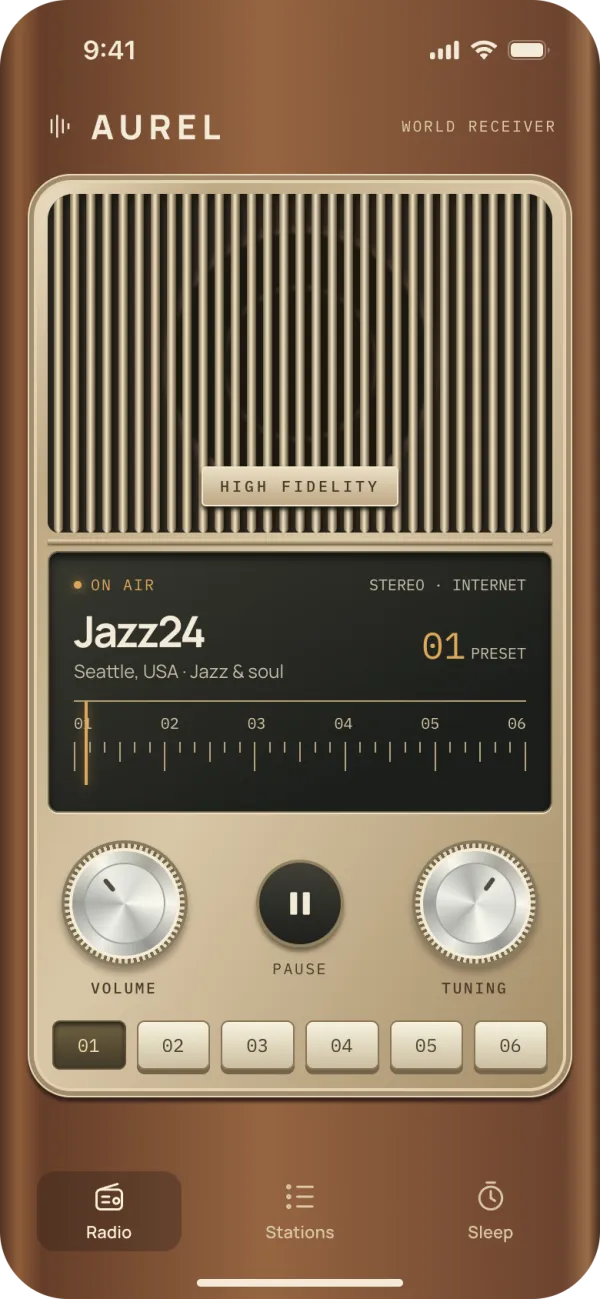
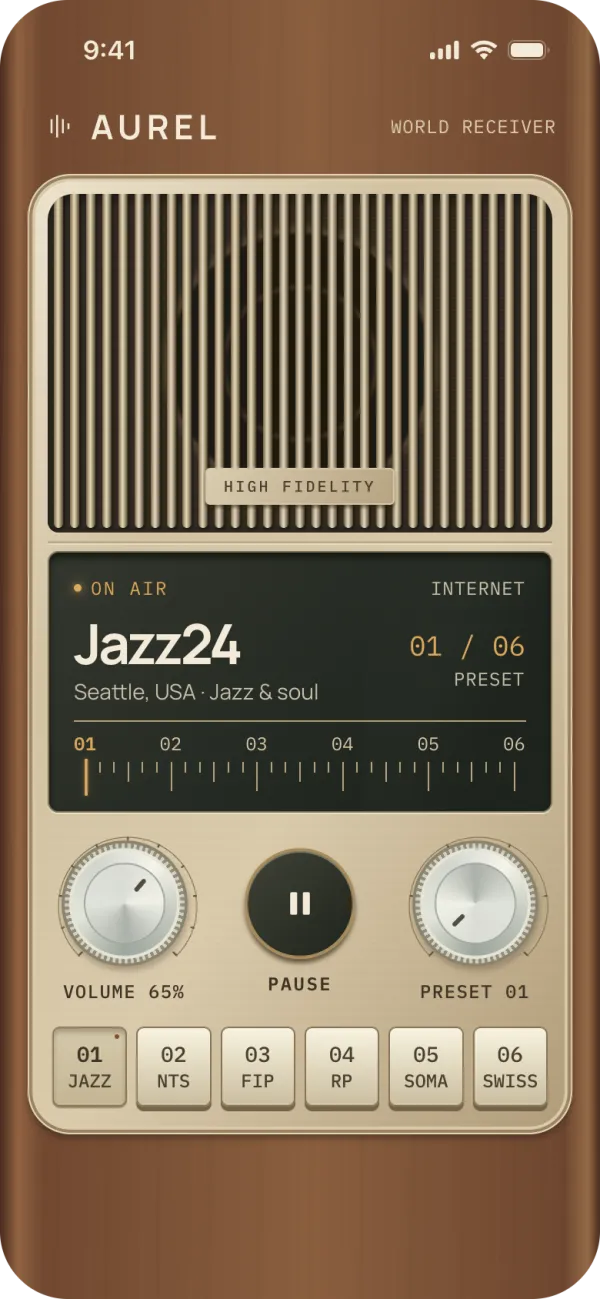
The first sketch was called Aurel, a “world receiver” for internet radio. It had a brass speaker grille, a dark glass dial, two metal knobs and a row of six preset keys.
The station was a placeholder. The goal was the object: a radio that you want to touch.
Concept 1: the first Aurel receiver02 · Four radios on the table
We drew four radios before we chose one.
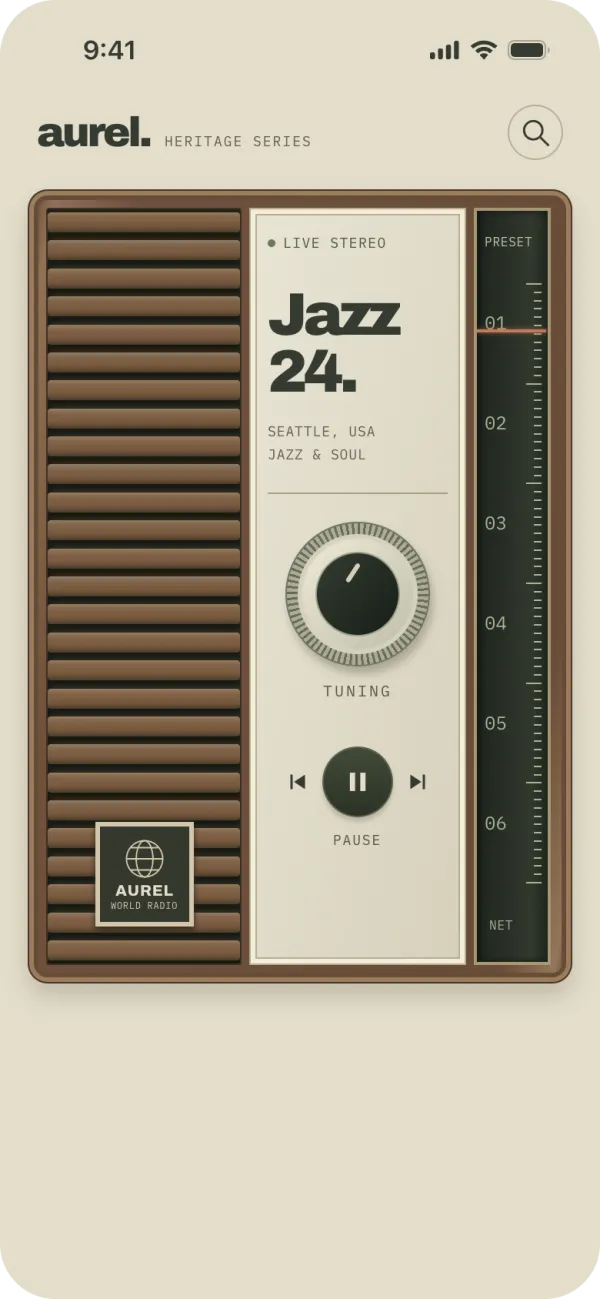
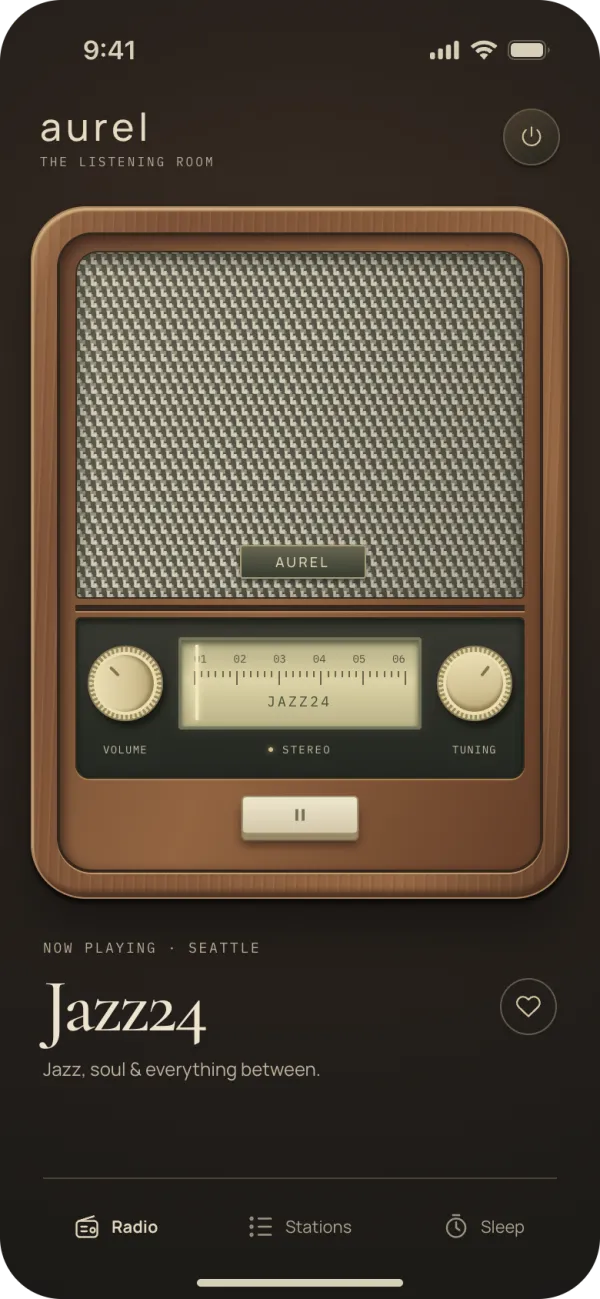
Each concept asked a different question. How much wood, how much metal? Must the radio fill the screen, or sit in a room?
Brass receiverGrille, lit dial, two knobs. We chose this one.HeritageWood slats and a cream panel.AtelierA table radio in a listening room.Field receiverA rugged, dark portable set.
03 · Five passes
Then we refined the same radio five times.
We did not start again. Each pass fixed one thing:
Materials and light: walnut, brass and a warm glow.
Station hierarchy: the station name comes first.
Tactile controls: knobs with depth and a pressed state.
Integrated navigation: the controls live inside the radio.
Final polish: labels on the keys and a clean dial.
After five passes04 · Tuned to Cairo
Then it became هنا القاهرة.
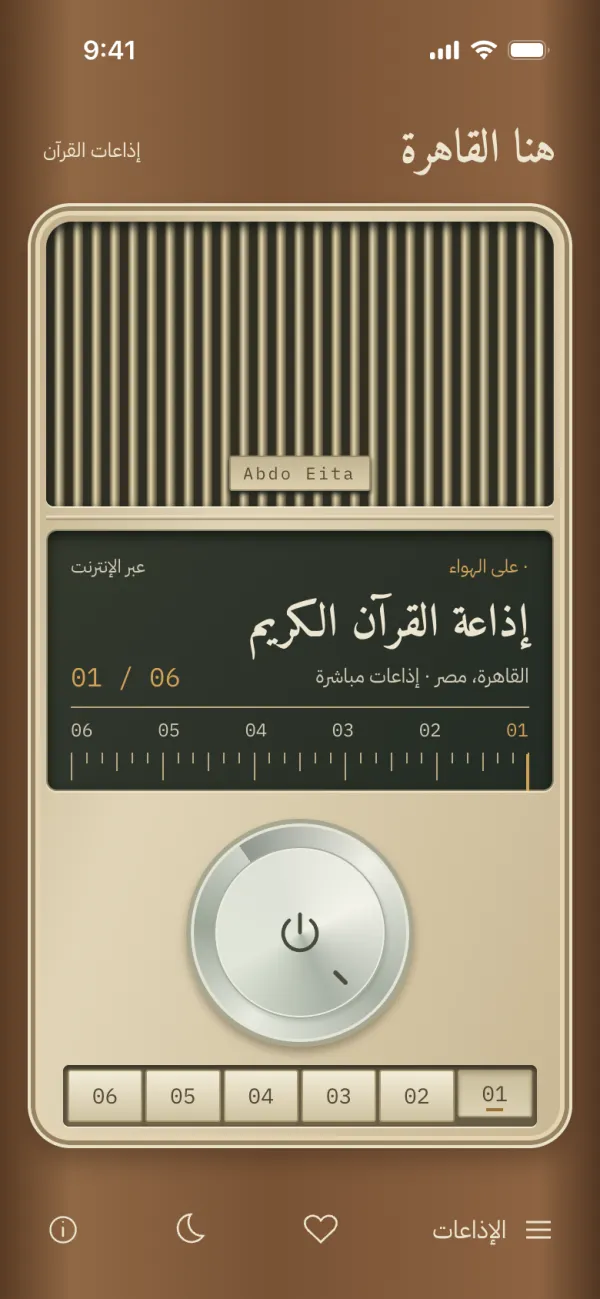
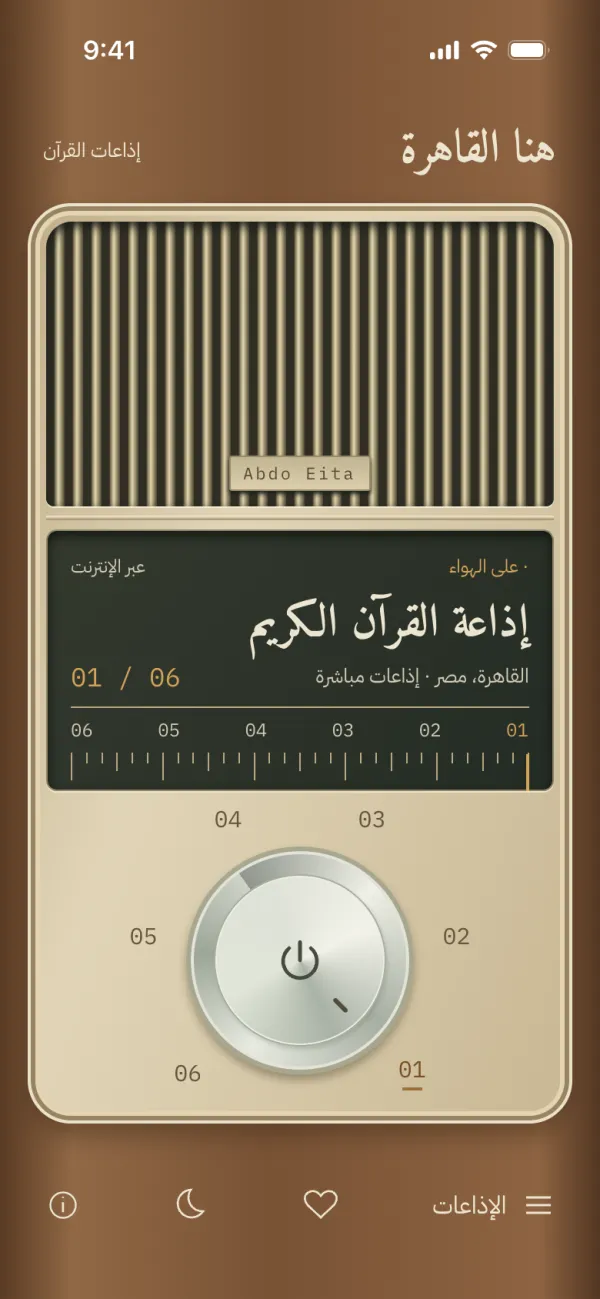
When we tuned the radio to Quran stations, everything changed. The radio became Arabic first, Quran Radio Cairo became preset 01, and the name became the words that open Egyptian Radio.
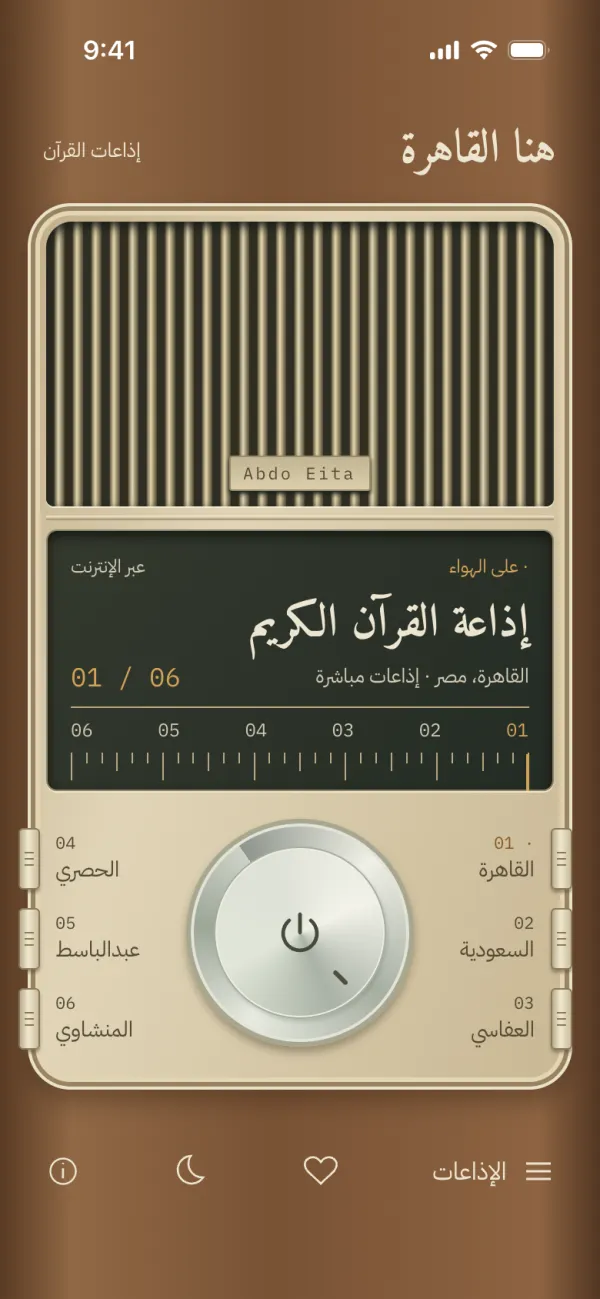
One large tuning knob became the main control. Then we studied five ways to keep six favorite stations close without adding clutter:
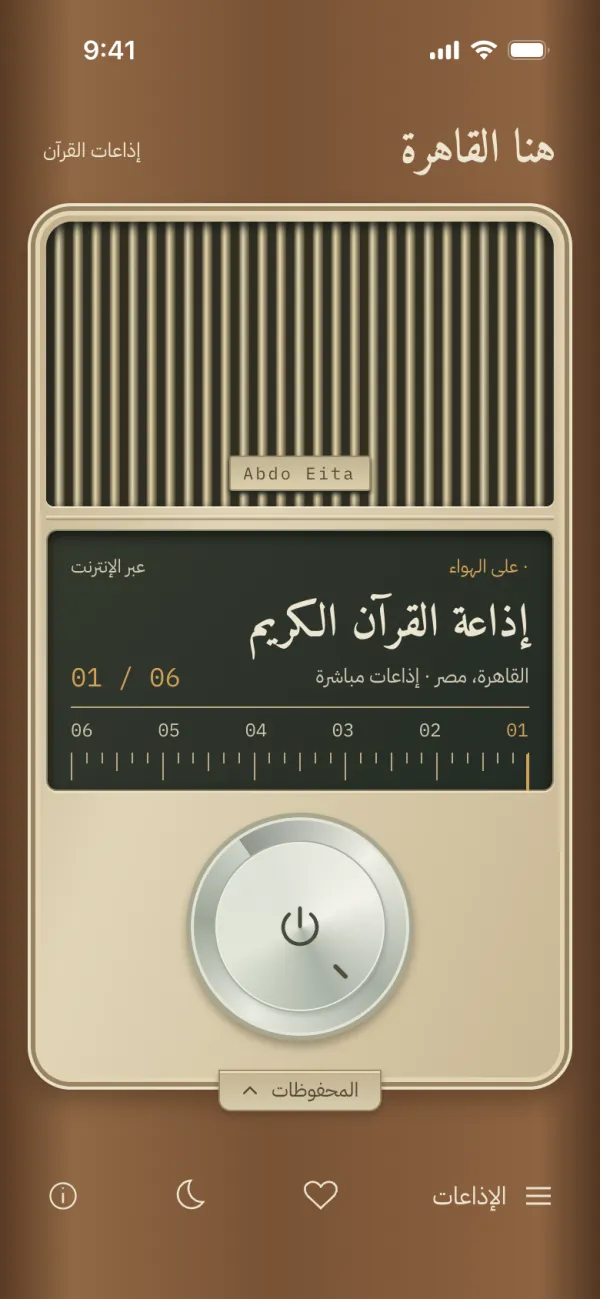
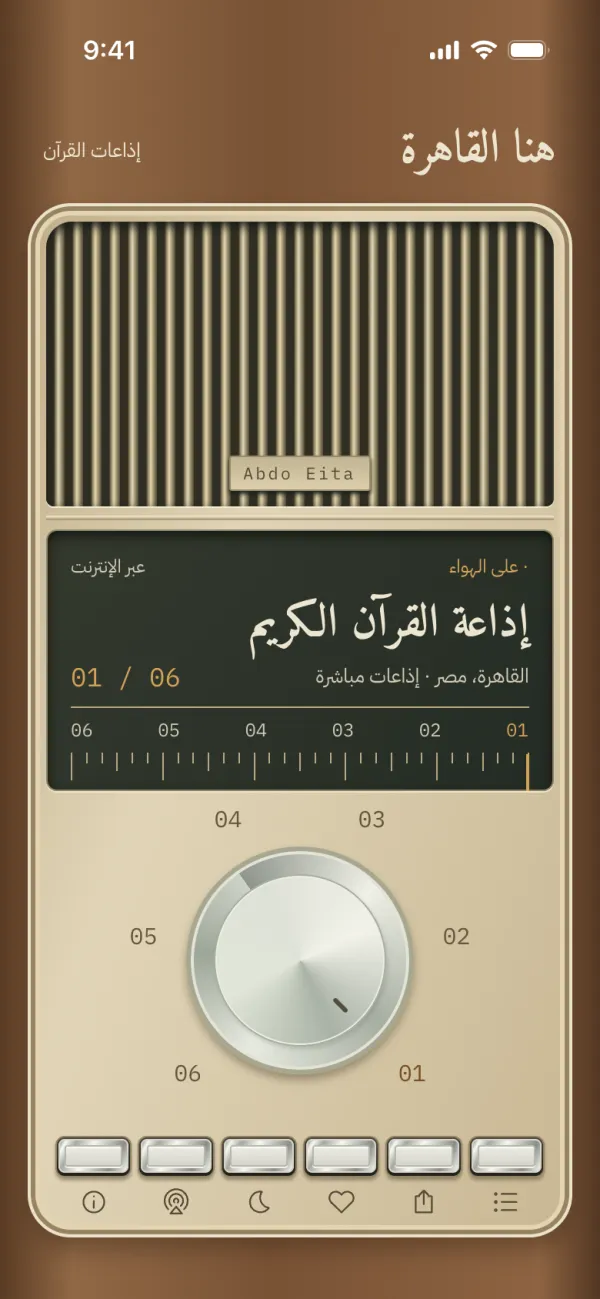
Piano keysSix keys as one calm strip.Side leversCassette character, less bulk.Engraved ringNumbers around the knob.Hidden drawerThe cleanest face.Silver push keysThe design that shipped.
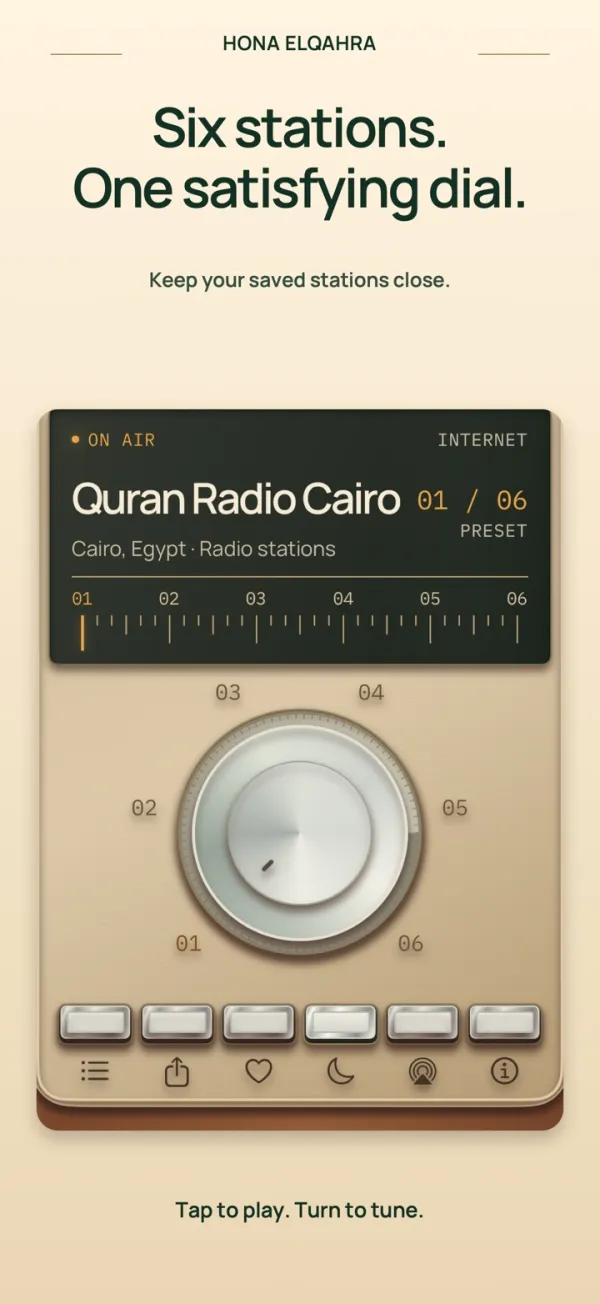
The final radio has one large knob with six engraved station marks. Under it, a row of silver push keys opens the stations, sharing, favorites, the sleep timer, AirPlay and About.
05 · The feeling
A radio you can feel, not only see.
A real radio answers your hand. We spent as much time on touch and sound as on the picture.
Station detents
A short haptic tick at each station, and a firmer stop at 01 and 06.
A knob that presses in
Tap the knob to play or pause. It sinks on touch and stays slightly seated while it plays.
Hiss between stations
A soft radio hiss plays while you tune from one station to the next.
Touch the grille
Rub the speaker grille to feel soft ribs and hear a quiet brush sound.
Real volume keys
Volume uses the iPhone volume buttons. There is no hidden volume setting.
Arabic first
Amiri headlines, IBM Plex Sans Arabic controls, and a dial that reads right to left in Arabic.
Features
Quran radio, made simple.
Six presets, one dial
Quran Radio Cairo, Saudi Quran Radio, Alafasy, Husary, Abdulbasit and Minshawi are ready on the knob. Change any of them.
170+ stations
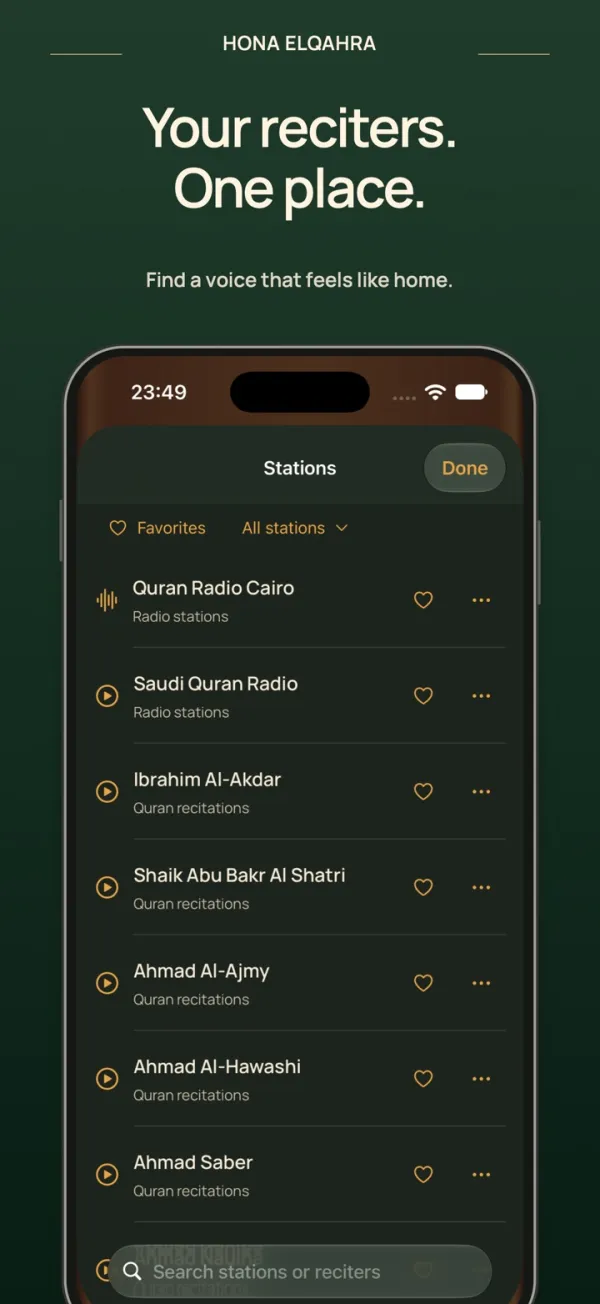
Browse reciters, tafsir, adhkar and translation stations. Search in Arabic or English and filter by category.
Favorites
Save the stations you love and put any station on any of the six knob positions.
Sleep timer
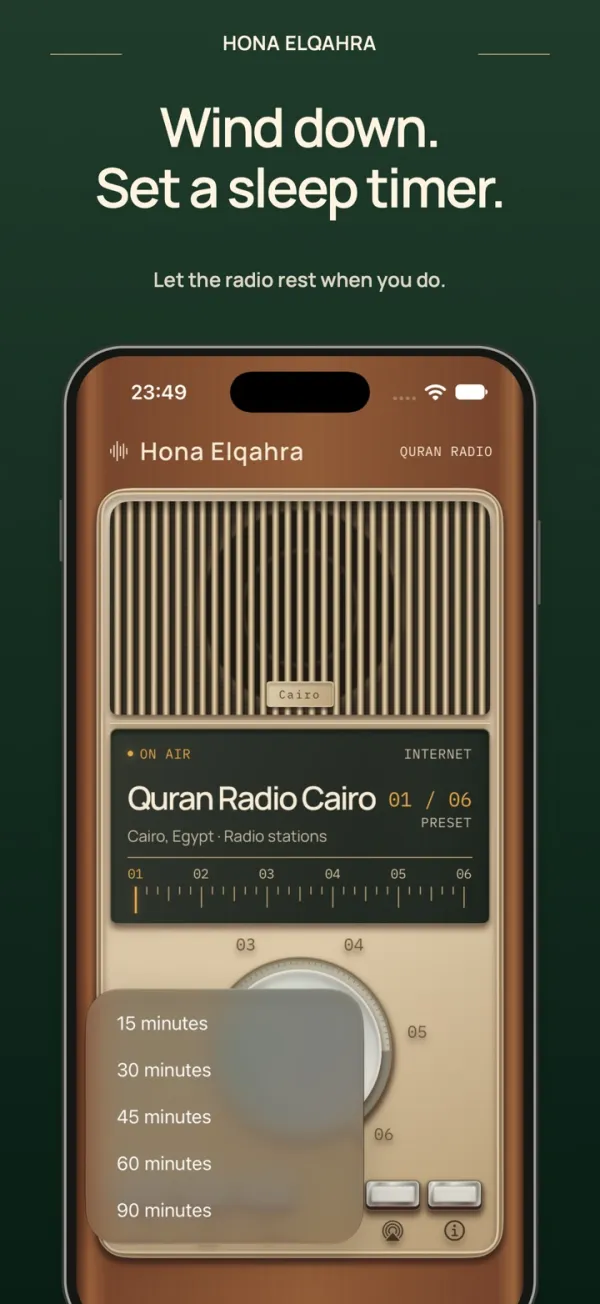
Fall asleep to the Quran. The radio stops when the timer ends.
Background and AirPlay
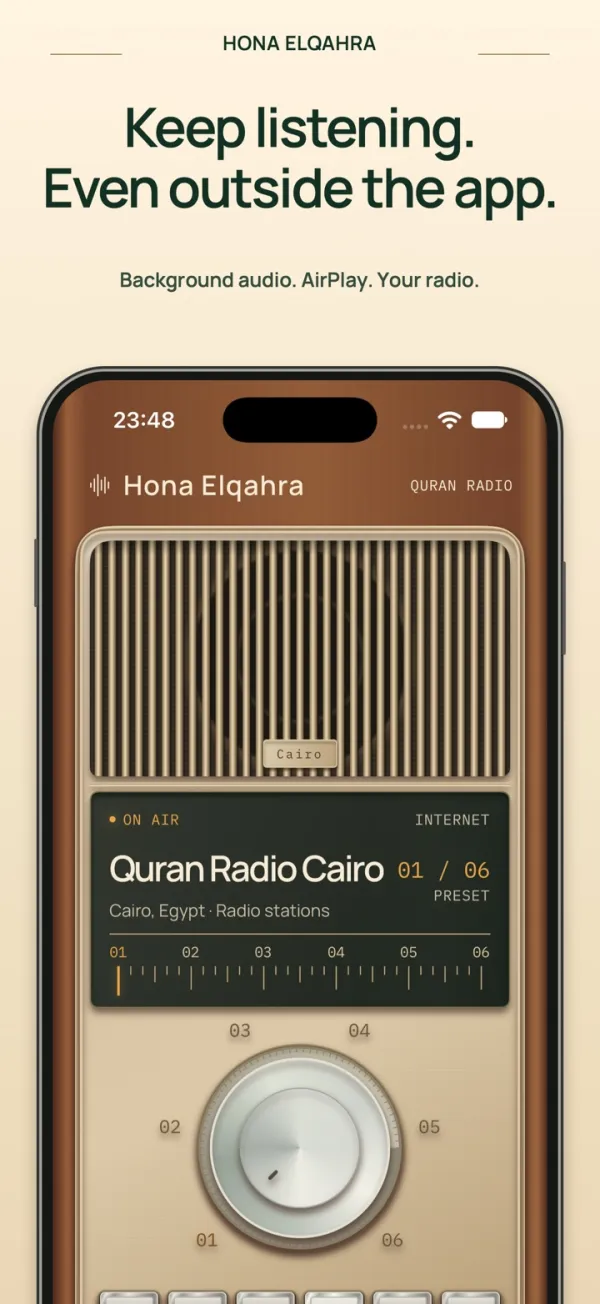
Keep listening in the background, use AirPlay, and control play, pause, next and previous from the lock screen.
No account
Favorites and presets stay on your iPhone. Analytics and crash reports are optional. The app never starts playing on its own.
Screens
On iPhone
FAQ
Questions
Is Hona Elqahra free?
Yes. It is free to download on the App Store for iPhone with iOS 18 or later.
Can I listen to Cairo Quran Radio?
Yes. Quran Radio Cairo (إذاعة القرآن الكريم من القاهرة) is preset 01. Saudi Quran Radio and the Alafasy, Husary, Abdulbasit and Minshawi stations follow it.
Does it work without internet?
The station list is on your iPhone, but the audio streams live. Listening needs internet and may use mobile data. Station availability depends on each broadcaster.
Do I need an account? What data does it collect?
No account. Favorites and presets stay on your iPhone. Usage analytics and crash reports stay off until you choose them, and you can change them in About. Read the privacy policy.
Where do the stations come from?
The station list comes from the MP3Quran radio directory, plus Quran Radio Cairo. Hona Elqahra is an independent player. The audio belongs to the broadcasters.