Release notes · Sajdah for Apple TV
Sajdah 1.5.0: Live tab, Quran fonts and word-by-word recitation
Radio and live TV in one place, six ways to read the Quran text, words that light up as they are recited, and a calmer player built around the Siri Remote.
 Abdelrahman Eita · · 6 min read
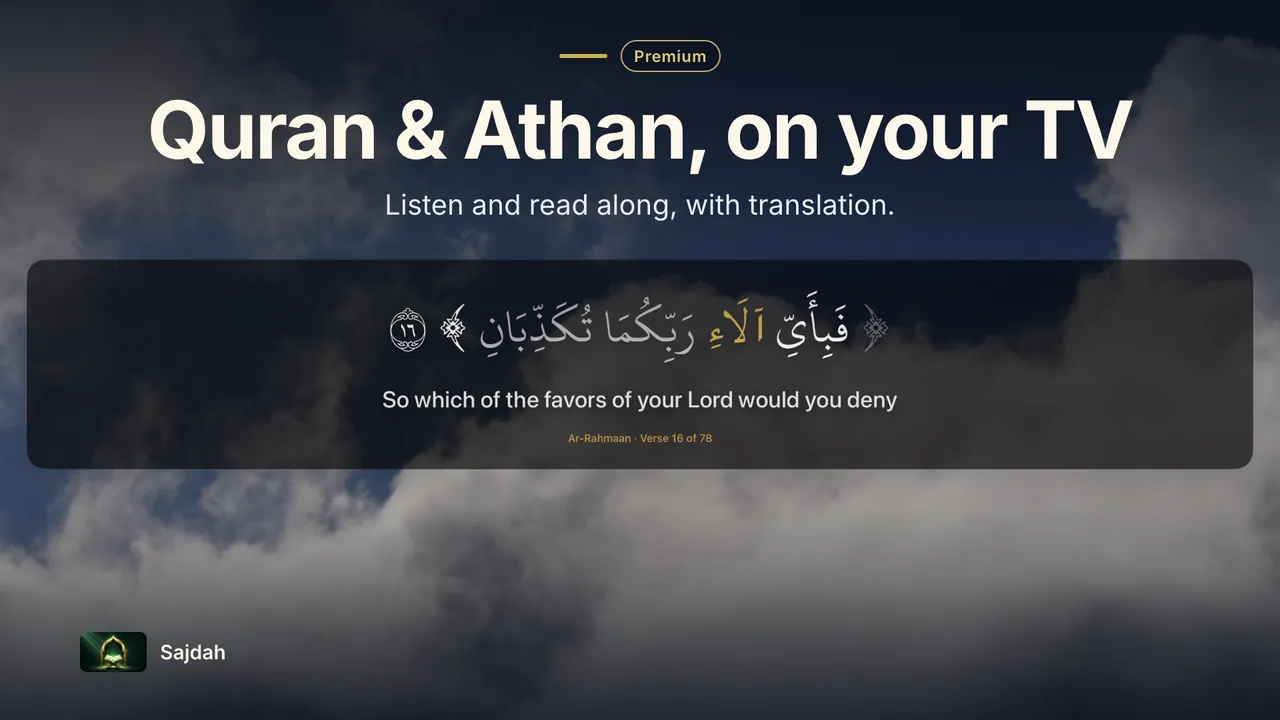
Sajdah 1.5.0 is a big update for the Quran and Athan app for Apple TV. Most of it is about one thing: making the Quran easier to follow and read from the couch. Here is everything that changed.
In short
- One Live tab for Quran radio and live Islamic TV
- Six Quran fonts, with Uthmanic free
- Word-by-word tracking on selected reciters
- A calmer player with one More menu
- Top Shelf cards on the Apple TV Home Screen
- The verse of the day in your language and a localized Adhkar screen
- Prayer time and Athan fixes, plus a new first launch
Radio and live TV, together in one Live tab
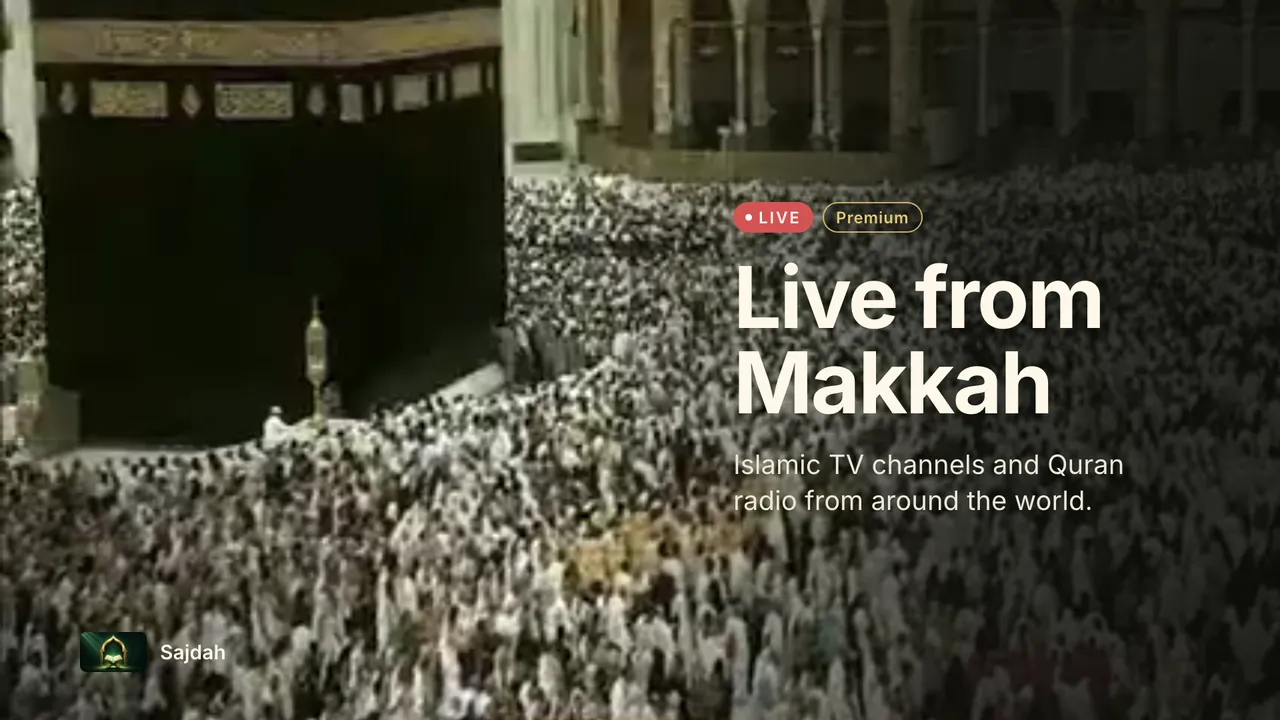
Quran radio and live Islamic channels used to sit in two separate tabs. They now share one Live tab with a simple Radio and Live TV switch at the top. The tab remembers the section you used last, so your usual station or channel, including the live broadcast from Makkah, is one press away.
Merging the two also frees space in the tab bar, so every tab label now fits in all 11 languages. If a radio station cannot play, the list stays on screen and the station shows a signal-lost icon with a Retry button.
Read the Quran in the font you love
You can now choose how the Quran text looks, and the choice applies across the app. Pick a font in Settings, in the reciter settings, or straight from the player's More menu.
- Uthmanic (KFGQPC Hafs) stays free and remains the default.
- With Sajdah Premium you can switch to Amiri, Scheherazade New, Noto Naskh, KFGQPC Nastaleeq or Lateef.
Each font has its own size and line spacing tuned for the TV, and the end-of-ayah marker is drawn correctly for every font. Narrations other than Hafs keep their own script.
Follow every word as it is recited
Sajdah has always highlighted the verse being recited. It can now highlight the word: each word lights up in gold as the reciter says it, and the words that follow stay readable.
Word timings cover the complete Hafs recordings by Mishary Alafasy, Saud Al-Shuraim, Mustafa Ismail and Mahmoud Abdul Hakam, most surahs by Islam Sobhi, and most surahs of Al-Minshawi's mujawwad recitation. Timings are matched to the exact recording you play. Where exact timings are missing, Sajdah falls back to verse tracking instead of guessing.
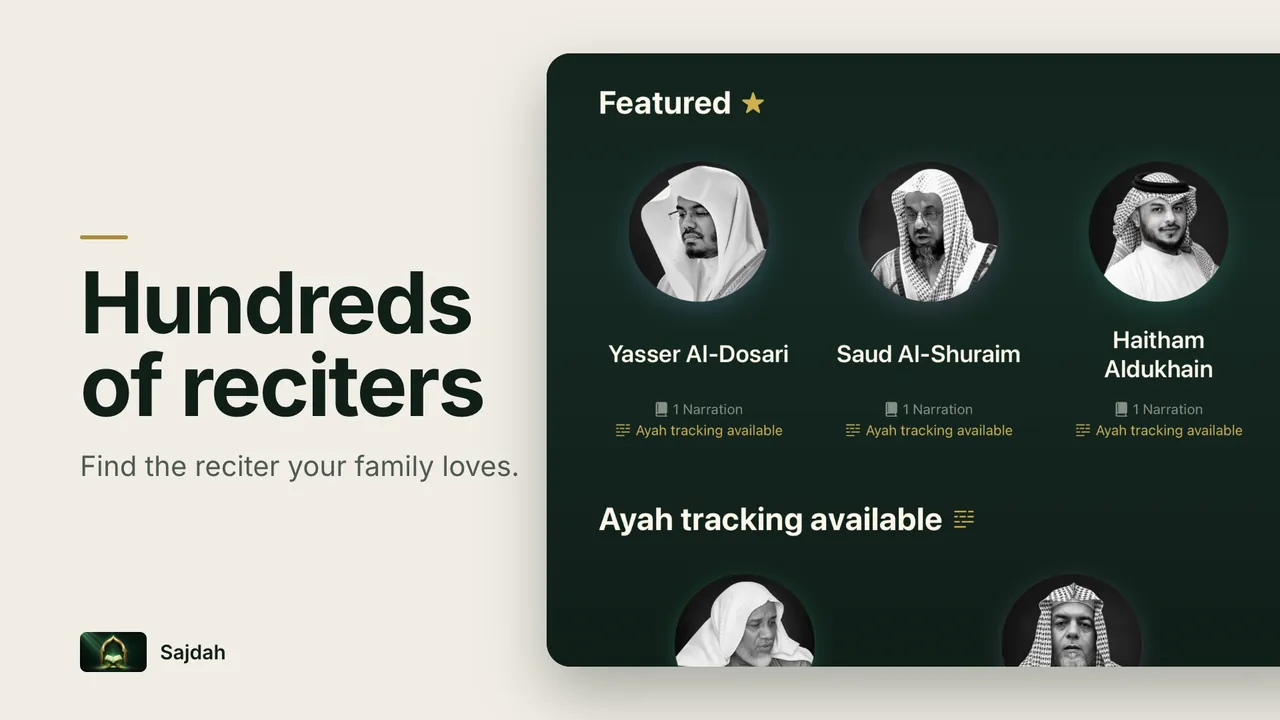
Reciters with verse tracking now carry a badge, and you can filter the list to show only them. Word-by-word highlighting is part of Sajdah Premium.
A calmer player
The player was redesigned around reading:
- The reading panel stays in the same place whether the controls show or not, and it blends with the scenic background behind it.
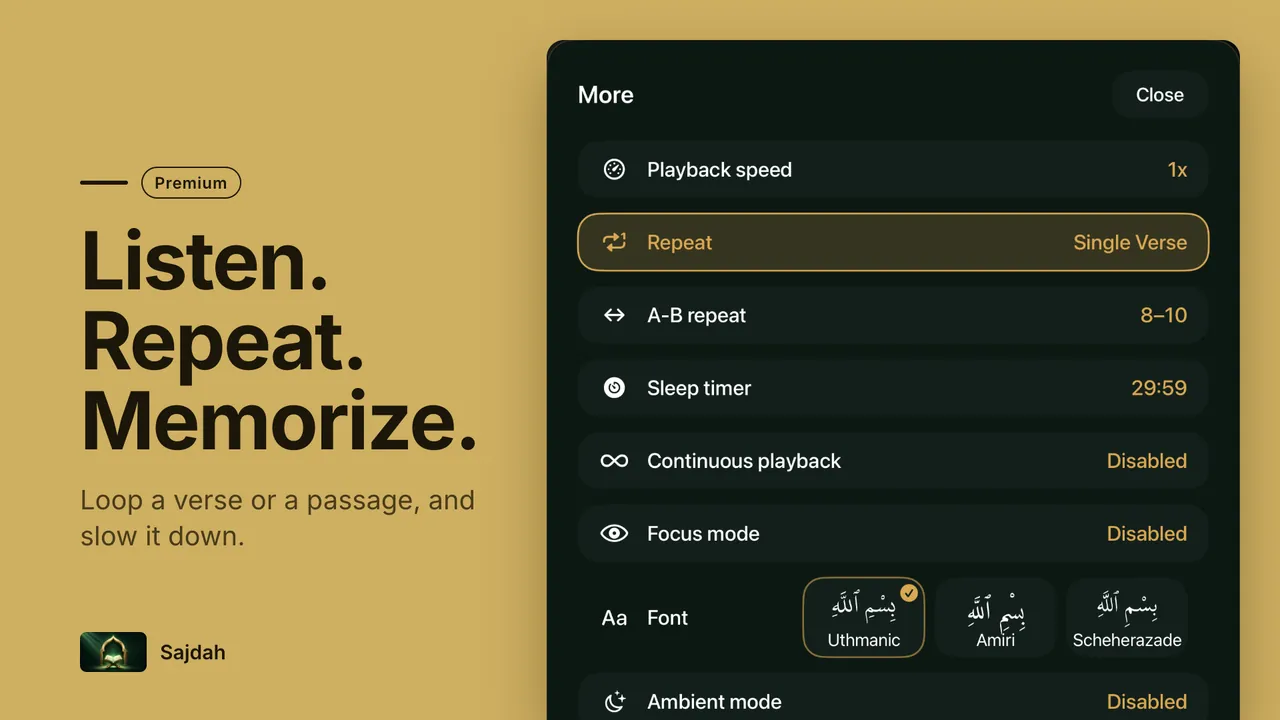
- The control bar is down to four items: Now Playing, play/pause, captions and More.
- More collects speed, repeat, A-B repeat, the sleep timer, continuous playback, focus mode, ambient mode and the font picker, each with its current value.
- Long ayahs show in full, and you can scroll long captions with the remote.
- Transliteration is now an optional subtitle that stays off until you turn it on.
- In ambient mode, press Select to show previous, play/pause, next and exit controls.
- The screen saver no longer covers the player while it is open, and Now Playing shows the reciter's photo.
Under the hood, many fixes make resume, seeking, repeat, A-B repeat and the sleep timer more dependable.
Sajdah on your Apple TV Home Screen
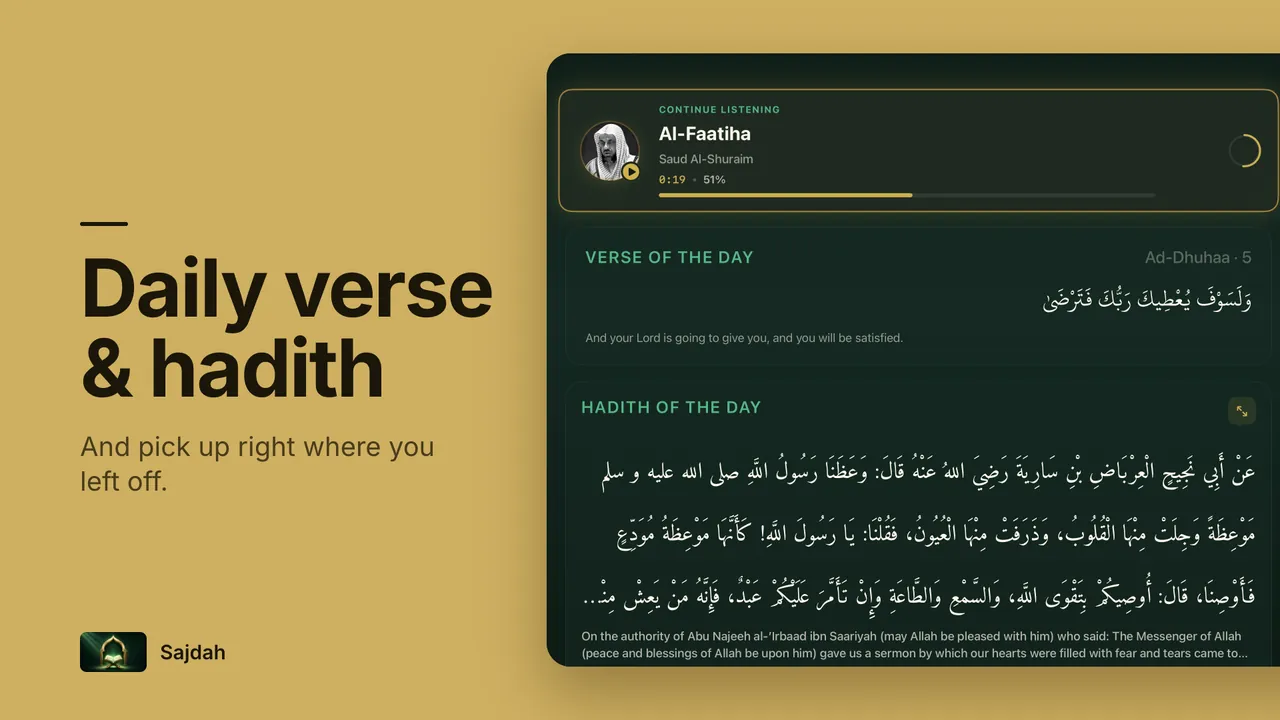
Put Sajdah in the top row of your Apple TV Home Screen and Top Shelf now shows three things: where you stopped listening, the verse of the day, and the next prayer. Select a card to go straight back to the recitation, to Today, or to Prayer Times.
The verse of the day, in your language
The verse of the day used to show an English translation in every language. It now uses a translation in your app language, such as Turkish, Russian, Urdu or Swedish, and in Arabic the verse appears on its own. If the hadith of the day has no translation in your language, Sajdah hides that line instead of switching to English. The full hadith reader still offers every available translation.
The Adhkar screen is now fully localized, and in Arabic and Urdu its previous and next controls follow right-to-left order. Translations of each dhikr are available in English for now. Arabic text across Today, Prayer Times and reciter pages keeps its letters joined, and dates and times use Arabic-Indic digits.
Prayer times and Athan
- Prayer times are now calculated in your location's time zone, so they stay correct even when the Apple TV is set to a different one.
- Every Athan now pauses Quran or radio first, including when Sajdah has stayed open since the day before.
- The Athan banner has a clear Stop Athan button you can always reach, shows which voice is playing and what resumes afterwards, and shows the Arabic prayer name next to the translated one.
A simpler first launch
New users now start by choosing their language, then pick a reciter, and Sajdah begins with Al-Fatiha in that reciter's voice. If you already use Sajdah, nothing changes: the app opens where you left it.
Smoother navigation
- Going back from the player returns focus to the surah you just played.
- Opening a reciter from Search keeps you in Search, and going back returns focus to the card you chose.
- The back button on a reciter page names the tab you came from.
- Shorter tab labels fit in French and Russian.
What is free and what is Premium
Sajdah stays free to download. Every reciter, the synchronized Arabic text, one translation, surah repeat and the sleep timer are free. Sajdah Premium adds Quran radio and live TV, prayer times with Athan and Qibla direction, Prayer Room, ambient mode, all translations and transliteration, word-by-word highlighting, memorization tools such as single-verse and A-B repeat, playback speed and the extra Quran fonts. Settings now has a Premium section that lists what is included.
How to update
If automatic app updates are on, your Apple TV installs Sajdah 1.5.0 by itself. You can also open the App Store on your Apple TV, find Sajdah, and choose Update. Questions or ideas? Write to me through Sajdah support.